 GOEZ
GOEZRide free. Someone knows where you are.
Pick a Ride Buddy to follow your ride live. If you need help, hold SOS and your emergency message is ready to send with your location. Free on every plan.
One person follows your ride live.
Pick your Ride Buddy once — from your contacts or from GOEZ. Before the first share, GOEZ shows what's shared and asks for your consent.
A contact from your phone
When you start a ride, GOEZ asks if you want to share. Tap yes and your messaging app opens with a private link ready. You tap Send. They follow you in their browser — no app, no account.
A friend on GOEZ
Nothing to tap. When you start a ride, your Ride Buddy gets a notification and follows you in the app, with your distance and riding time.
Sharing ends automatically when your ride ends. Tap Stop sharing to end it anytime. If updates stop for about 90 seconds, your Ride Buddy sees "No signal" instead of an old position.
Hold. Count down. Send.
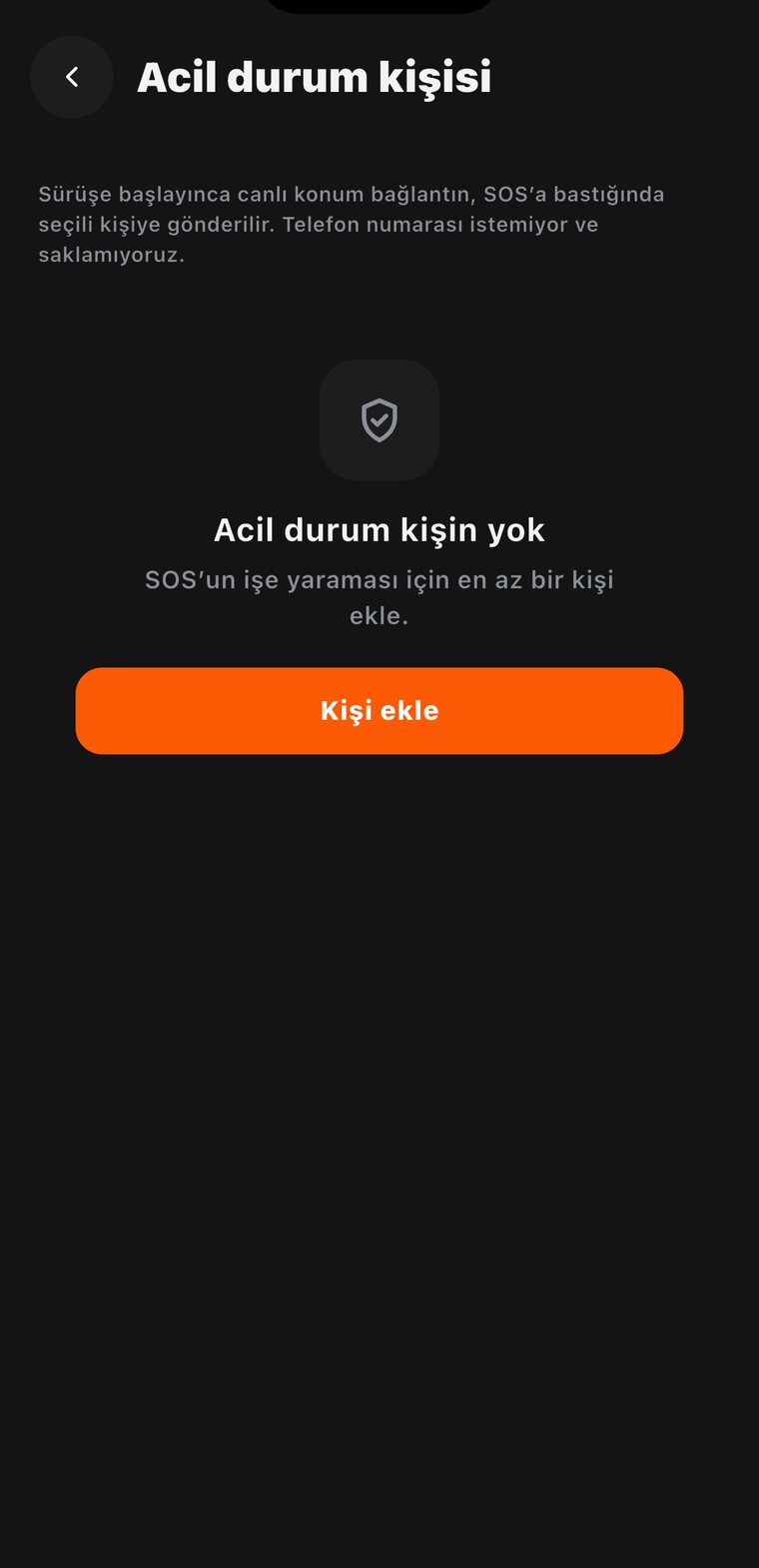
Add at least one emergency contact first. Until then, the SOS screen helps you add one.
Hold
"Hold to send SOS." A quick tap does nothing, so a pocket or a glove can't trigger it.
Count down
Five seconds to cancel if you pressed it by mistake.
Send
Your messaging app opens with your emergency contacts, an emergency message and your live location link. You tap Send.
Stop
Your contacts follow you on the map until you stop the SOS. "I'm safe — stop the SOS" ends it and lets them know.
Need help fast? Tap Call emergency services on the SOS screen. The number follows your phone's region: 911 in the US, Canada and Mexico, 999 in the UK and Ireland, 000 in Australia, 111 in New Zealand, and 112 everywhere else, including Europe and Turkey. In immediate danger, call first.
You always know what was sent.
The SOS screen only shows what your phone confirms.
- DeliveredShown only when your phone confirms the share.
- Messaging app openedYour message is ready. Make sure you tapped Send.
- Couldn't be sentTry again, or call the emergency number.
Phone numbers stay on your phone.
You pick contacts with your phone's own contact picker, so GOEZ only gets the person you choose. Their name and number stay on your phone, never on our servers. They aren't backed up, so on a new phone you pick them again. For a Ride Buddy on GOEZ, we only store their account.
Live location links are private and unguessable. Live points are sent only while you share, and raw live points are deleted after 30 days. See the Privacy Policy.
Good to know: GOEZ doesn't detect crashes — you start SOS, and you tap Send. Live location needs mobile data, and text messages need a mobile network. GOEZ helps; it doesn't replace your helmet, your gear or your judgment.
Live location and SOS questions
Does GOEZ detect crashes?
No. You start SOS: hold the button, wait for the five-second countdown, and your messaging app opens with your message ready. You tap Send.
Does my Ride Buddy need the GOEZ app?
No. A contact gets a private link by text and follows you in their browser, no account needed. A Ride Buddy who uses GOEZ gets a notification and follows you in the app.
Do you store my contacts' phone numbers?
No. The names and numbers you pick stay on your phone. They aren't sent to our servers or backed up.
Are live location and SOS free?
Yes, on every plan. Safety features are free forever.
What if I have no signal?
Live location needs mobile data. If updates stop for about 90 seconds, your Ride Buddy sees "No signal" instead of an old position. Your ride keeps recording offline.