 GOEZ
GOEZ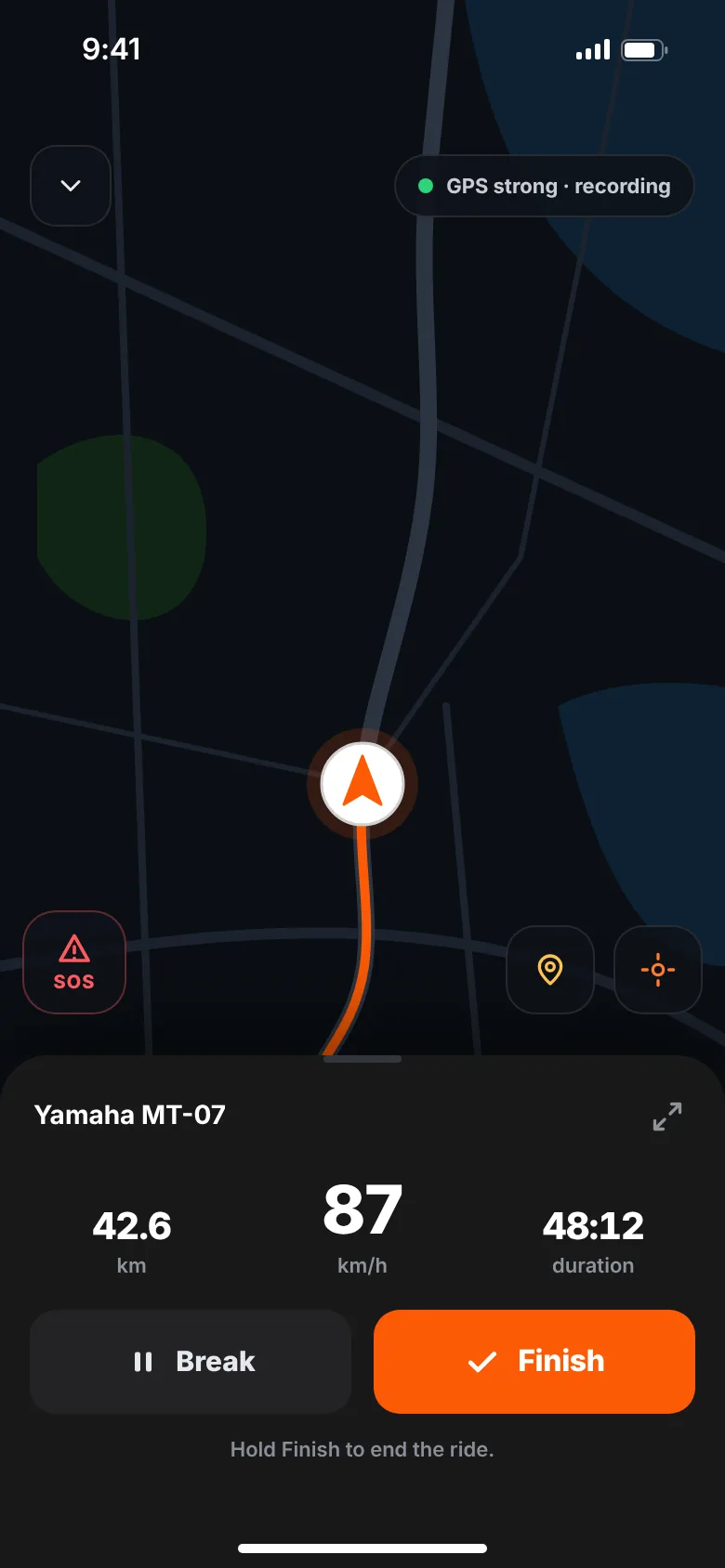
A good motorcycle phone mount holds the phone securely within easy view without blocking your instruments. Vibration, especially from the handlebars, can damage the camera's image stabilisation on some phones, so consider a vibration damper. Protect the phone from rain and heat, and set your route before you ride. You don't need a mount to record a ride.
A phone on the handlebars can show navigation at a glance. But a motorcycle is a harsh place for a phone: constant vibration, rain, direct sun and the occasional knock. Choosing the right mount — and knowing its limits — keeps both you and the phone safe.
Do you need a phone mount?
It depends on what you use the phone for:
- Turn-by-turn navigation: a mount helps, so you can glance at the map instead of stopping.
- Recording a ride: you don't need one. GOEZ records with the phone in your pocket or tank bag, screen off, and you get the summary when you stop. See how to track rides with your phone.
- Both: a mount with charging is the comfortable option on long days.
Types of motorcycle phone mounts
| Mount type | Where it goes | Keep in mind |
|---|---|---|
| Handlebar mount | Clamps to the bar or a crossbar | Easy to see; bars can carry a lot of vibration |
| Mirror stem mount | Attaches to the mirror's stem | Keeps bars clear; check the mirror stays tight and usable |
| Stem / clamp mount | Fork stem or yoke area | Central and often stiffer; fit depends on the bike |
| Tank bag with phone window | Sits on the tank | Less vibration; you look further down to see it |
Grip styles also differ: spring-loaded cradles, quick-release cases and rubber straps. Whatever you choose, the phone should lock in place and not rely on friction alone. A tether or secondary strap is worth having in case the main grip fails.
Where to put it
- Visible with a quick glance, close to your line of sight
- Not covering the speedometer, warning lights or switches
- Clear of the steering lock to lock — turn the bars fully both ways to check
- Cables routed so they don't pull when you steer
Can vibration damage your phone's camera?
Yes, it can. Many phone cameras use optical image stabilisation (OIS) and autofocus systems with tiny moving parts. Some phone makers warn that long exposure to high-amplitude vibration — like the vibration that some motorcycle engines send through the handlebars — can wear or damage these parts. The result can be blurry photos, a camera that shakes or won't focus.
How much risk depends on the bike, the engine, the mount and the phone. To lower it:
- Use a mount with a vibration damper designed to absorb high-frequency vibration
- Mount the phone on a stiffer, less vibrating point if your bike allows it
- Check your phone maker's guidance for motorcycle use
- Keep the phone in a pocket or tank bag when you don't need to see the screen
Rain, sun and heat
Many phones are water-resistant, but that isn't the same as surviving hours of rain at speed, and resistance can weaken as a phone ages. Use a waterproof case or a rain cover on wet days. Make sure the charging port is protected too. More wet-weather advice is in our guide to riding in the rain.
Heat is the other problem. In direct sun, a phone running navigation and charging can get hot, dim the screen, stop charging or shut down until it cools. Shade from a visor or cover, airflow around the back of the phone and turning the brightness to automatic all help.
Charging on the bike
- A USB socket wired to the bike lets you charge as you ride; ideally switched with the ignition.
- Use a cable with a little slack, routed away from moving parts and the steering lock.
- Wireless charging is convenient but creates extra heat, so watch the temperature on hot days.
- A power bank in a pocket or tank bag works when you only need to top up.
Battery tips for long rides are in our guide to tracking rides with your phone.
Use it safely while riding
The phone should support your riding, not distract from it.
- Set the route, music and anything else before you ride
- Glance at the screen only when the road is clear and straight
- Pull over to change anything
- Turn on auto-lock or do-not-disturb so notifications don't light up the screen
- Check local rules on phone use while riding
GOEZ is built for this: start recording, put the phone away and ride. Corners, breaks, distance and moving time are counted without you touching the screen. See ride tracking.
Before a long trip
Test the mount on a shorter ride first. Check it's tight, the phone doesn't rattle and the cable doesn't pull. Add the mount, cable and a rain cover to your motorcycle trip checklist. If you're still choosing apps, our guide to choosing a motorcycle app explains what to look for.