 GOEZ
GOEZ86kmDistance
Distance
Measured along your track, with inaccurate GPS points filtered out.
Tap Start ride, put your phone away and ride. GOEZ records in the background with the screen off and saves every point on your phone first. Your summary is ready the moment you stop.
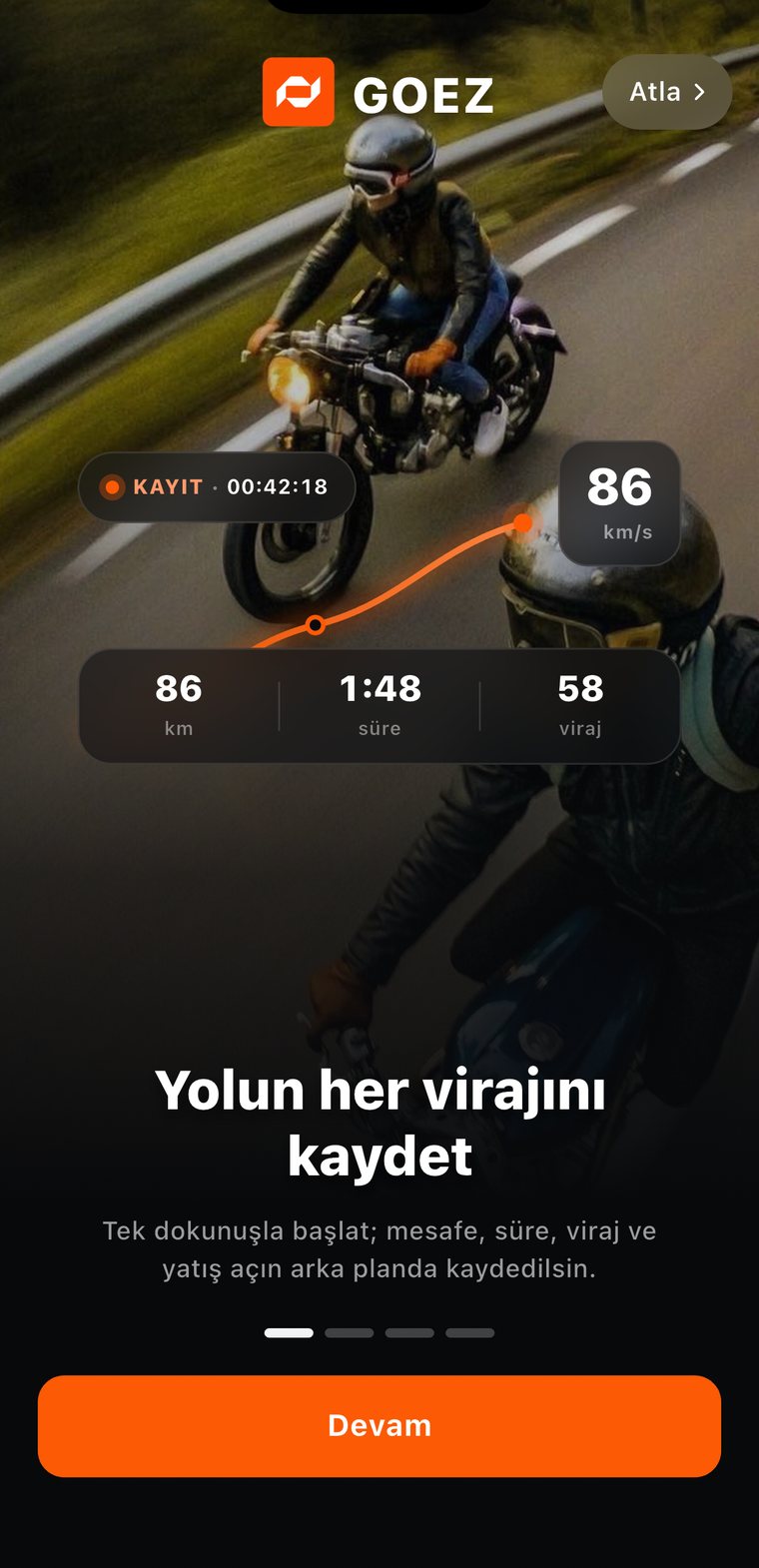
Made for gloves on, screen off and your phone in your jacket.
Pick your bike from your garage and tap Start ride. The start sheet checks your GPS signal, location access and battery. A 3-second countdown and you're off.
GOEZ keeps recording with the screen locked. The status line shows "GPS strong · recording", or "Offline · points kept on the device" when you lose signal.
Press and hold to end the ride, so a bump in your pocket can't stop it. Your summary opens right away.
Add a title and a cover photo, and choose who sees it: Everyone, Followers or Only me. No signal? It uploads later.
GOEZ saves every location point on your phone as you ride. Your ride uploads after you save it, whenever you're back online.
Finish in a tunnel or on a mountain pass? Your ride waits on your phone and uploads on its own once you're connected.
If your phone closes the app on a long ride, what you recorded stays safe. Next time you open GOEZ, you choose what happens to the ride.
In kilometres or miles — your choice. With PRO, max lean appears in the same grid.
Measured along your track, with inaccurate GPS points filtered out.
Only the time you were moving. Stops are left out.
Average speed uses moving time, so red lights don't pull it down.
Real corners, not gentle bends. See how corners are counted.
Stops longer than three minutes, with start and end time and where you stopped.
Ride details split your ride into 24 stretches and show the top speed of each.
GOEZ uses high-accuracy GPS and records a point about every 15 metres while you move, at any speed. Your corners stay sharp and your top speed stays real. High accuracy uses more battery, so bring a charger or a powered mount on long rides.
To keep recording with the screen locked, allow location access "Always". The start sheet reminds you before you ride.
Auto pause is optional and off by default. Turn it on and the clock pauses after two minutes stopped, then restarts when you ride off. Recording continues until you end the ride.
Good to know: GPS speed can differ slightly from your speedometer.
Yes. Allow location access "Always" and GOEZ records in the background — with your phone in your pocket, a bag or a mount.
No. GPS works without mobile data, and every point is saved on your phone. Your ride uploads on its own when you're back online.
Your points so far stay on your phone. Next time you open GOEZ, you can continue the ride, see its summary or delete it.
Yes. Unlimited recording is free, with distance, moving time, speed, corners and breaks. Lean angle comes with GOEZ PRO.
Yes — GOEZ is on iPhone and Android.